For tenants
Your tenancyin your pocket.
Use Nestro to pay your rent by QR code, report maintenance issues with photos, and keep your lease and payment history at your fingertips.




Everything about your tenancy in one place.
Pay rent by QR code
Your payment details and QR code are in the app. Scan the code in your banking app to pay.
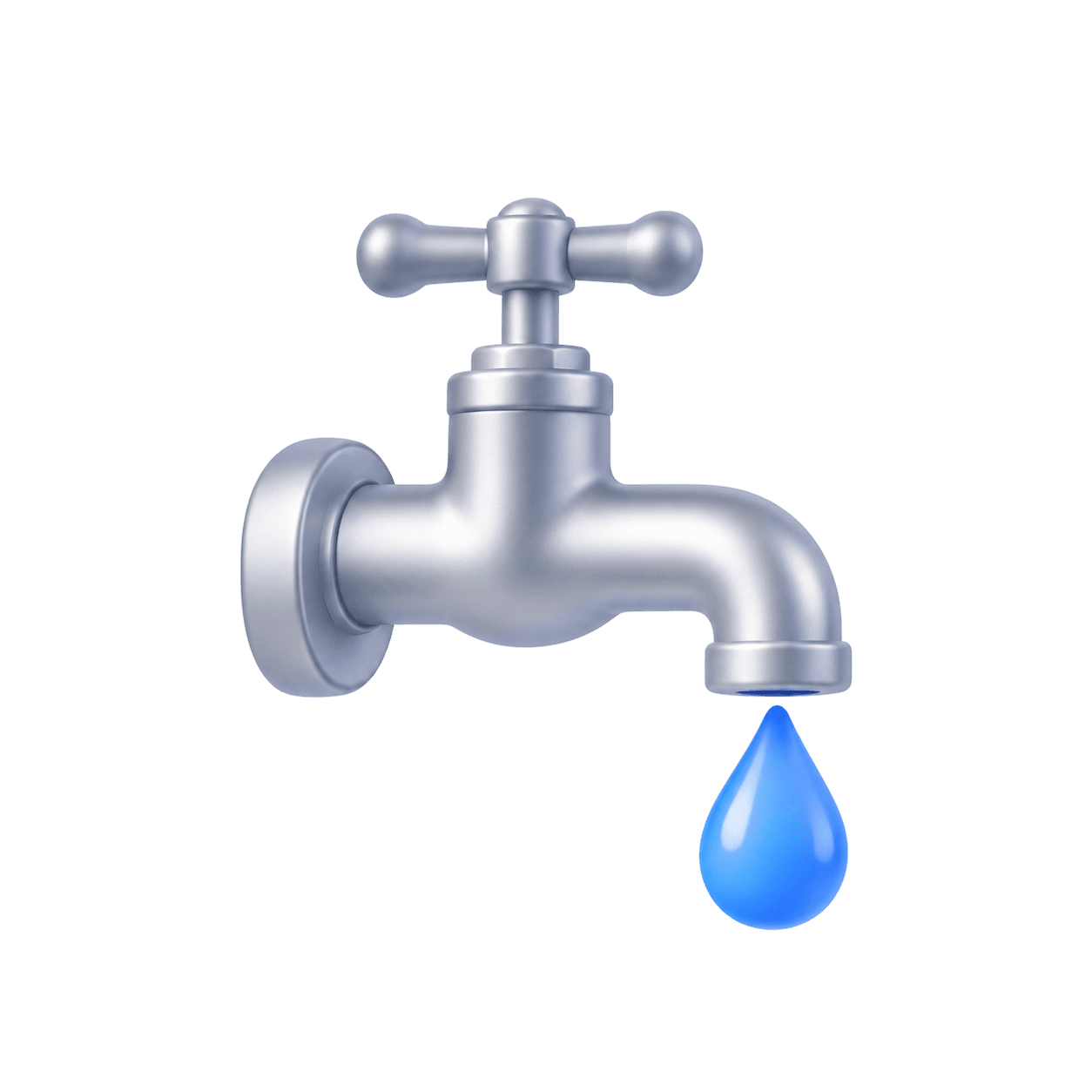
Report an issue with a photo
Leaky tap or heating not working? Let your landlord know from your phone and follow the repair.
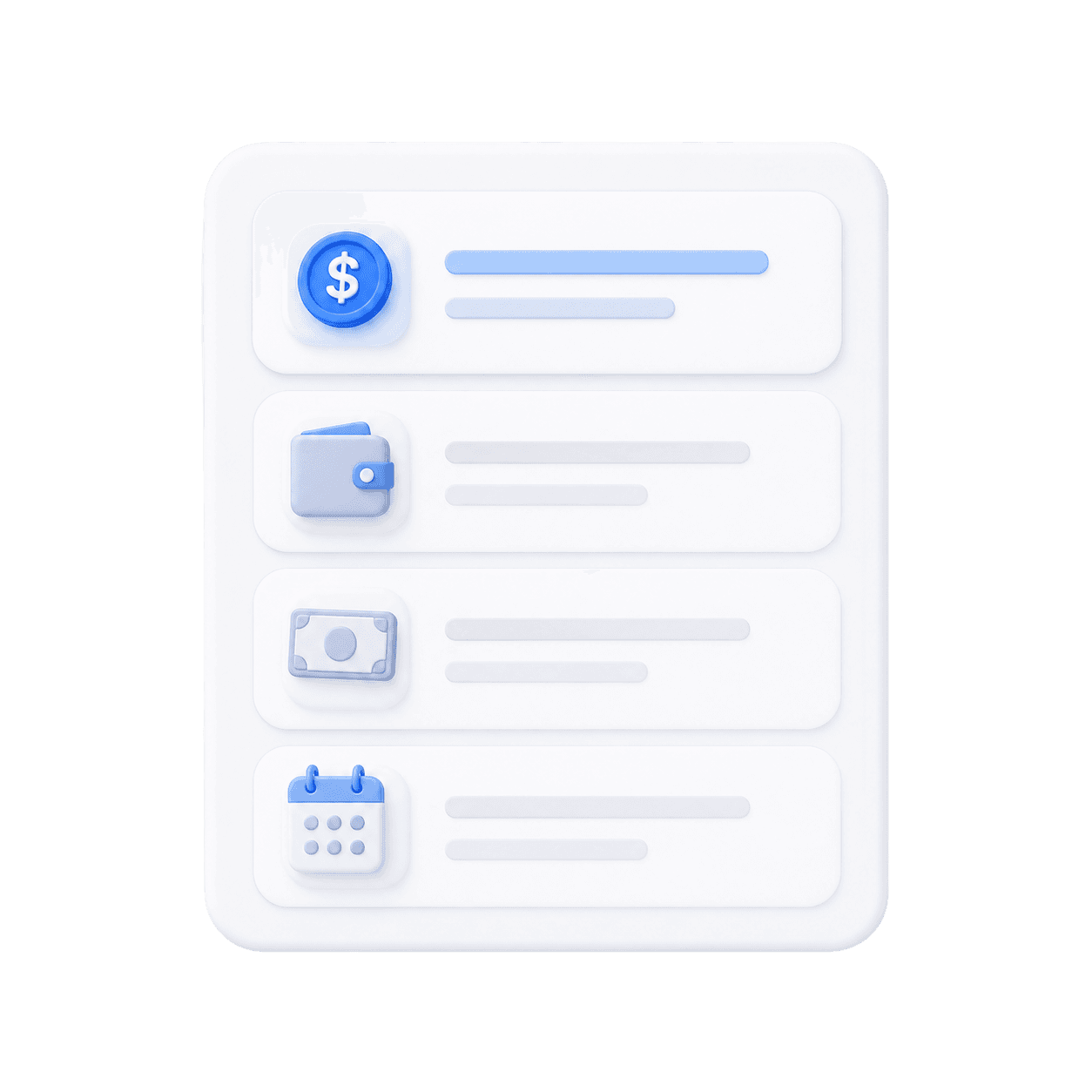
Lease and payments
Keep your lease, deposit and payment history in one place so you don’t have to search your inbox.
Request documents
Need proof you paid your rent or a copy of your lease? Ask in the app and your landlord can send it to you there.
Message your landlord
Message your landlord in the app and keep the whole conversation together instead of switching between texts and WhatsApp.

Hi, the technician will be there on Thursday.
Give notice online
When you’re moving out, send your notice and proposed handover date in the app and see when your landlord accepts it.
Get invited, download the app and you’re set.
You can use the app when your landlord manages your tenancy in Nestro.
Get invited by your landlord
Your landlord adds you to the tenancy in Nestro and invites you to access it.
Download the app
The Nestro app will be available for iPhone and Android.
Sign up with your email address
Use the email address your landlord has for you and verify it with the code we send you.
You’re all set
Once verified, your account automatically links to your tenancy.